

Your first eSIM takes less than ten minutes to set up at home on Wi-Fi. An eSIM is a digital SIM built into your phone, so there is no plastic card to insert. You buy a data plan online, scan a QR code and the phone connects to a local network. New to the idea? Start with our plain-language eSIM explainer.
When does a travel eSIM pay off? With a SIM from an EU country, data costs the same as at home across the EU. The same goes for Iceland, Liechtenstein and Norway, within a fair-use limit. Since 1 January 2026 this also covers Ukraine and Moldova. The UK is not included [1].
A travel eSIM makes the most sense outside that zone, or when your home SIM is from outside the EU. Typical examples are a trip to the USA, a holiday in Turkey or two weeks in Japan. Apple also suggests checking first whether your home plan already includes roaming there [2].
Your first eSIM in five steps:
- Check your phone. Dial *#06#. If an EID appears, the phone has eSIM.
- Estimate your data. A regular user needs a 3 to 5 GB plan for a week.
- Compare plans. Prices for the same country can differ several times between providers.
- Buy and install at home. Installation needs internet, so you do not depend on airport Wi-Fi.
- After landing, turn on the eSIM for data and turn on data roaming. A travel eSIM does not work without roaming.
Article Contents
Does my phone have eSIM? Check before your first eSIM
The quickest test takes a few seconds. Dial *#06# on your phone; it works on iPhone and Android. If an EID (the ID number of the eSIM chip) shows up next to the IMEI, your phone has eSIM. No EID usually means no eSIM.
Without the phone in your hand, go by the model:
- iPhone: according to Apple, the iPhone XS, XS Max, XR and every later model [2].
- Samsung: the Galaxy S range from the S20 and the Z Flip and Z Fold foldables. Also some A models, for example the A54, A55 and A56 [3].
- Google Pixel: the Pixel 4 and later. For the older Pixel 2 and 3, it depends on where and from which carrier the phone was bought.
- Other brands: selected models from Xiaomi, Motorola, Sony, Oppo and Vivo.
For Android, the market the phone was made for also matters. Samsung says eSIM may not work in some countries, even for models on its list [3]. For example, the Chinese and Hong Kong versions of the Galaxy S23 FE have no eSIM. Find your exact model in our list of phones with eSIM.
Carrier lock: the second phone check before buying an eSIM
Having eSIM is not enough on its own. To use an eSIM from another provider, your phone must not be locked to a carrier [2]. This check matters most for a second-hand phone or one bought abroad.
On iPhone, open Settings, then General, then About, and find Carrier Lock. "No SIM Restrictions" means the phone is unlocked [2]. On Android, run a manual network search in the mobile network settings. If the phone lists other carriers' networks, it is most likely unlocked. A locked phone can be unlocked by the carrier that sold it.
Phone without eSIM: the eSIM.me card
Your Android phone has no eSIM? The eSIM.me card is a physical card for the SIM slot that adds eSIM to the phone. We tested the card ourselves. How it works and where it falls short is in our eSIM.me review.
How much data you need for your first eSIM trip
Estimate your data use before you compare prices. Maps, messages and web pages use little, while video eats data fast. The table comes from our own calculations for three types of user.
| Type of user | What you do on the trip | Data per day | 7 days | 14 days |
|---|---|---|---|---|
| Light | Maps, messages, some web pages | about 100 MB | 700 MB | 1.4 GB |
| Regular | Social media, music, maps | about 360 MB | 2.52 GB | 5.04 GB |
| Heavy | Video, live streaming, uploads | about 2.5 GB | 17.5 GB | 35 GB |
For a typical week, a regular user needs a 3 to 5 GB plan. For your own estimate, our travel data calculator takes about a minute. How much each app uses is in our mobile data guide.
Unlimited data on your first eSIM: watch for slowdowns
Unlimited plans sound safe, but they usually come with a speed cap. Some are capped from the start, others after a daily amount. Saily, for example, slows its unlimited plan to 512 kbps after 1 GB in 24 hours. That figure comes from our review, as of August 2026. A plan with a fixed amount of data keeps full speed and is often cheaper.
Two habits save data from day one. Download offline maps of your destination at home. And skip speed tests on the trip, since one test uses around 250 MB. More ideas are in our tips for saving data on holiday.
Choosing your first eSIM: plan and provider
For your first eSIM, you pick two things: a plan for a specific country and the provider that sells it. For the same country, prices can differ several times. So compare plans first and think about the brand after that.
Comparing eSIM plans for your trip
Our comparison tool sorts plans from every provider we track by price. You enter the country, the amount of data and the trip length. It also handles several countries at once, so it finds one eSIM for a three-country trip. For each provider you also see its rating and the languages of its website.
The form below is prefilled with an example: a week in Egypt with 5 GB of data. Swap the country, data and days for your own trip. To open the tool without prefilled values, go to our eSIM comparison tool.
Price per GB in Egypt by eSIM Provider: an example
How much does each provider charge per GB? The chart compares plans of 1 to 10 GB that last 6 to 14 days. That is the usual range for a holiday. A shorter bar means a lower price per GB. Provider websites show only their own plans, so you would otherwise work this out by hand. Details for this country are in our Egypt eSIM guide.
Generated 05.11.2026 09:24
eSIM plan terms to check before you pay
Price is not the whole story. For a first eSIM, five terms matter that are easy to miss on a price list.
- When the plan starts running. With Saily, installing the eSIM does not start the plan, so you can install it early. With GoMoWorld, you start the plan yourself in the app. Yesim, on the other hand, started the plan right after purchase in our test. Nomad gives you two months to install and activate.
- How you get the eSIM. eSIM4Travel shows the QR code on its website and has no app. Saily and GoMoWorld install the eSIM only through their app. Global YO sells plans only in its app.
- What happens when data runs out. The connection stops, usually without a warning. The Airalo, Saily, Global YO, GoMoWorld and Nomad apps then stop working without Wi-Fi. GigSky is the exception, since its app keeps partly working after data runs out.
- Language and customer support. Most international providers work in English only. In our test, the eSIM4Travel website came in many languages, including Czech and Polish. We time the customer support in every review.
- Number of networks in the destination. A plan with several local networks is a plus. If one network is weak, you pick the other one by hand. Our guide to switching networks on an eSIM shows how.
These details come from our reviews, updated in August 2026. Plan terms do change, so check them on the provider's website before you buy.
eSIM providers in our hands-on test
We test every provider the same way. We buy a plan with our own money, install it, measure the speed and write to customer support. The Vefru test score is the average of six categories, each from 0 to 10. We test from our base, not in the destination. So the score rates the provider, not coverage in any one country. For a first eSIM, look mainly at the Installation and Support columns.
| Provider | Vefru test score | eSIM installation | Customer support | App | Prices | What stood out in our test |
|---|---|---|---|---|---|---|
| eSIM4Travel | 8.8 | 8 | 10 | no app | 10 | Best experience overall |
| Saily | 8.5 | 9 | 10 | 9 | 8 | Best app |
| GoMoWorld | 8.2 | 8 | 6 | 8 | 9 | No speed cap in our test |
| Global YO | 8.0 | 9 | 5 | 8 | 10 | Often the cheapest |
| Airalo | 7.3 | 9 | 7 | 8 | 4 | Best known, decent overall |
| GigSky | 7.2 | 8 | 9 | 6 | 7 | Most countries covered |
| Nomad | 6.8 | 8 | 2 | 7 | 8 | Good data, weak support |
| Jetpac | 6.7 | 9 | 5 | 5 | 8 | Handy extra features |
| Holafly | 6.2 | 9 | 6 | 7 | 4 | Slower, but a safe bet |
| Yesim | 6.2 | 8 | 2 | 7 | 6 | A good buy when the price is right |
| ByteSIM | 5.3 | 7 | 2 | 4 | 7 | Low prices in Asia |
All values are points out of 10. eSIM4Travel has no app, so its average uses five categories. Full tests of the other brands: GigSky review, Nomad review, Jetpac review, Holafly review, Yesim review and ByteSIM review. The full ranking is in our comparison of the best eSIM providers.
Saily: a first eSIM with setup inside the app

- Purchase process7/10
- Mobile app9/10
- eSIM installation9/10
- Customer support10/10
- Speed test8/10
- Prices4/10
- Customer feedback9.4/10
- Coverage8/10
Average of eight categories from our own paid test and customer reviews.
Saily is the travel eSIM from the company behind NordVPN, with plans for about 200 destinations. It has the smoothest install we have tested, a polished app and a built-in VPN. But prices run above the market in most big European destinations, and traveler reports sit below average.
Key facts
 About 200 destinations
 iPhone app 4.7
 Android app 4.5
 Top-ups
 Hotspot
 3 or 5 GB/day cap
 Trustpilot
- 4.7/531,741 reviews
 Payments
- Credit or debit card
 Apple Pay
 Google Pay
Pros and cons
 Easiest install we've testedFast 24/7 human supportFree VPN and ad blockerPlan starts only when you land
 Pricey in big European countriesApp required, no eSIM by emailLess reliable than averageApp stops when your data runs out
Saily eSIM in our hands
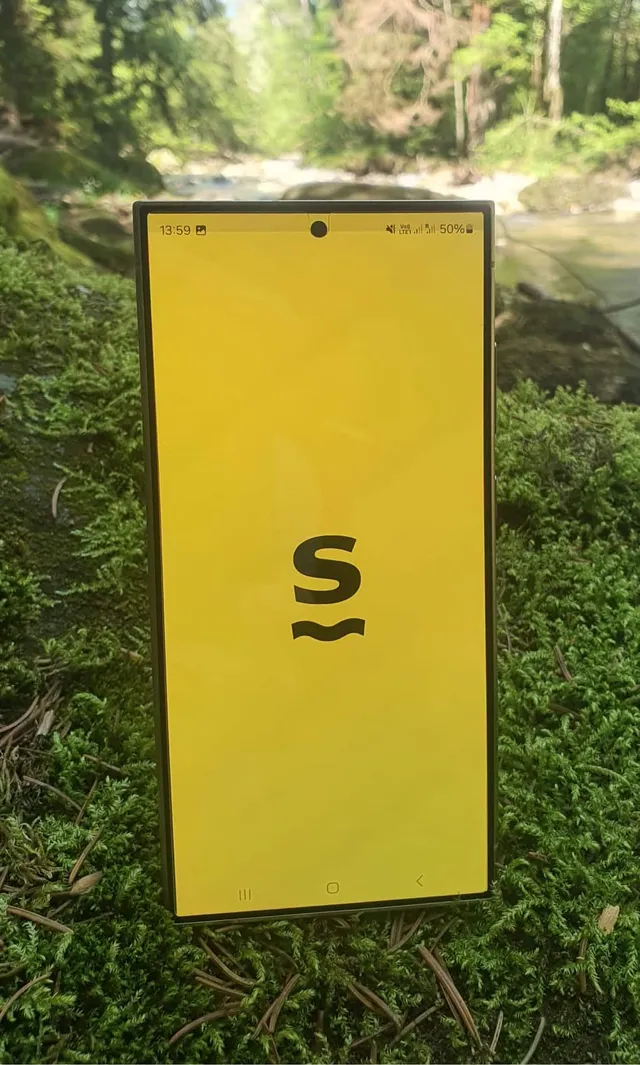
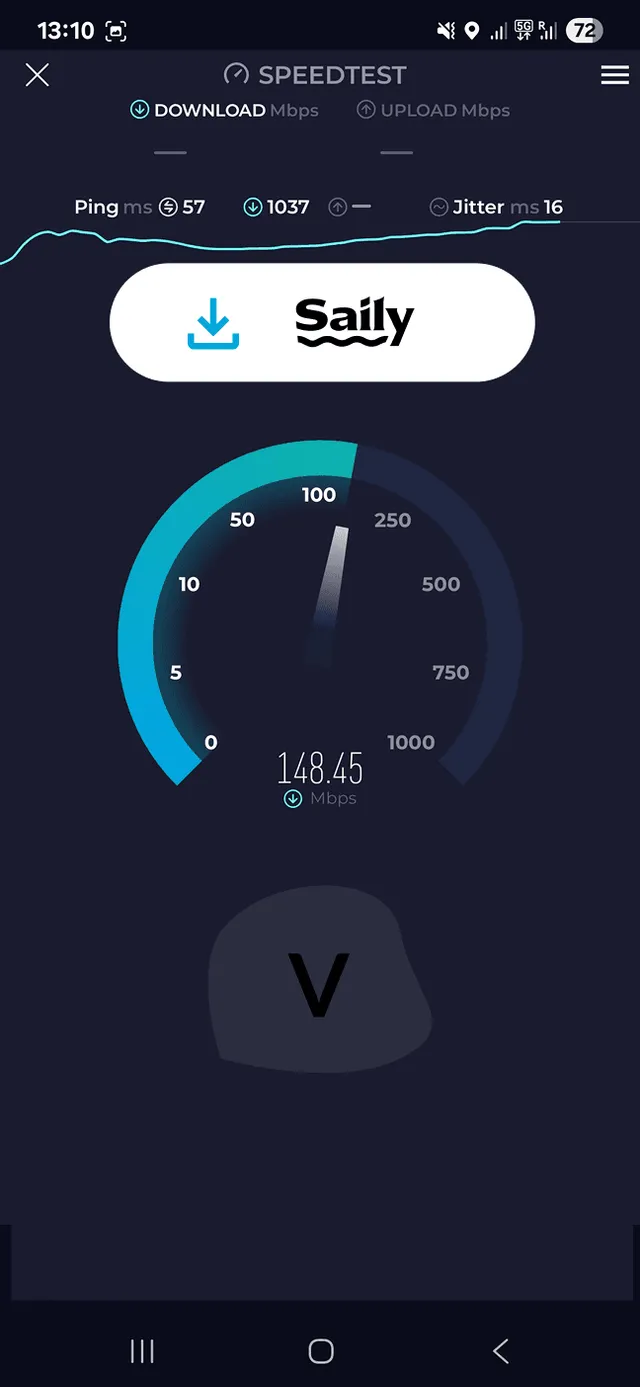
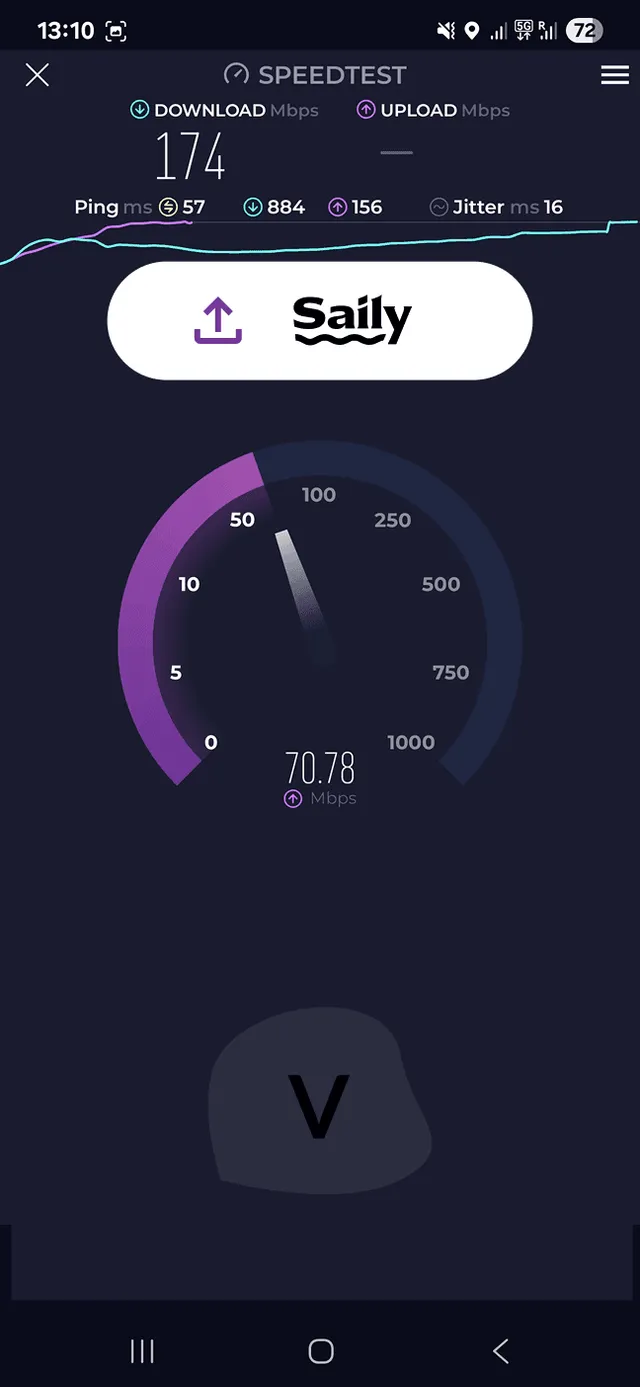
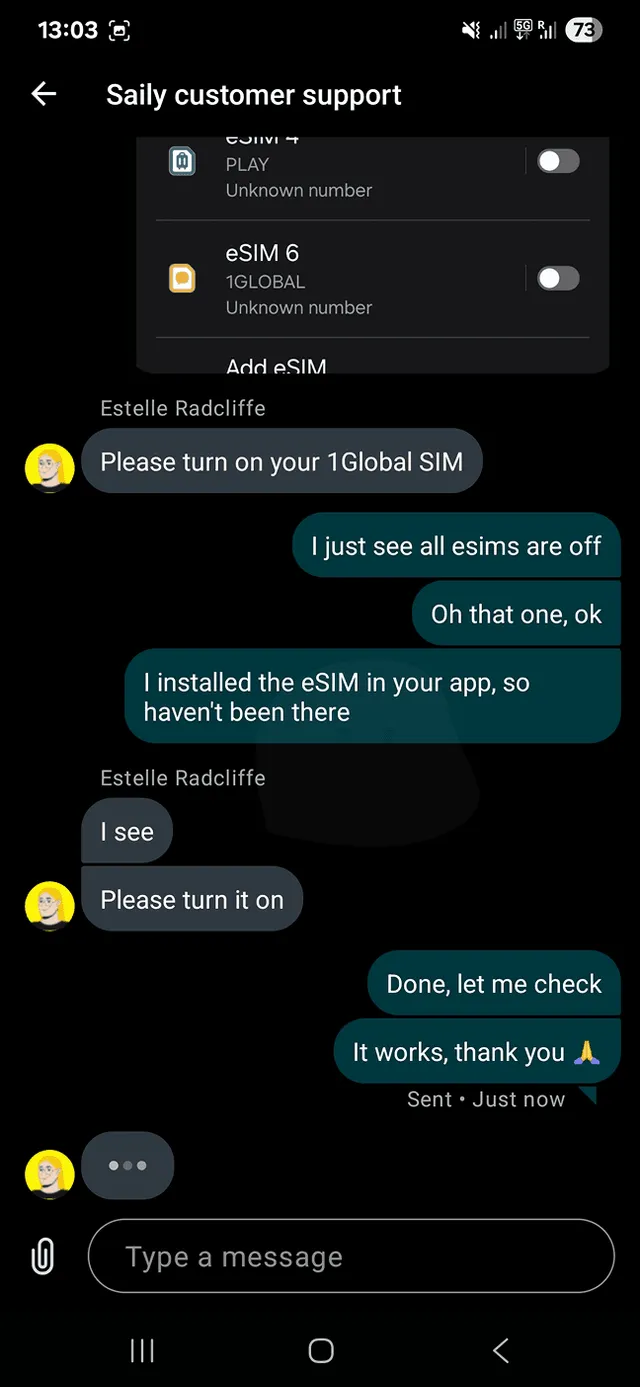
Saily scored 8.5 out of 10 in our test and had the best app of all (9 out of 10). Installation happens inside the app, one screen at a time. At the end, the app reminds you to turn on data roaming. Roaming left off is the most common reason a new eSIM does not work. Customer support scored 10 out of 10.
Expect two limits. You cannot get the eSIM without the app, since no QR code arrives by email. When your data runs out, the app stops working without Wi-Fi. Turn on automatic top-up or buy more in time. The details are in our Saily test, and the plans are on the Saily website.
eSIM4Travel: a first eSIM without an app

- Purchase process8/10
- eSIM installation8/10
- Customer support10/10
- Speed test8/10
- Prices10/10
- Customer feedback8.8/10
- Coverage9/10
Average of seven categories from our own paid test and customer reviews. eSIM4Travel has no app, so we do not score one.
eSIM4Travel is a US eSIM seller with plans for 158 destinations and no app. It was the cheapest provider in our price database, and its support was the best we have tested. Without an app, you cannot reach the store to top up once your data runs out.
Key facts
- 158 destinations
- No app
- Web only
- Top-ups
- Hotspot
- No throttling
- Trustpilot
- 4.4/5202 reviews
- Payments
- Credit or debit card
 PayPalApple Pay
Pros and cons
Cheapest provider we trackQuick, helpful human supportFast, no throttlingWebsite in 41 languagesNo app: out of data, you need Wi‑Fi to top upUS dollars only, no Google PayUnlimited slows after 3 GB a dayNo refund after 10% of data usedeSIM4Travel eSIM in our hands
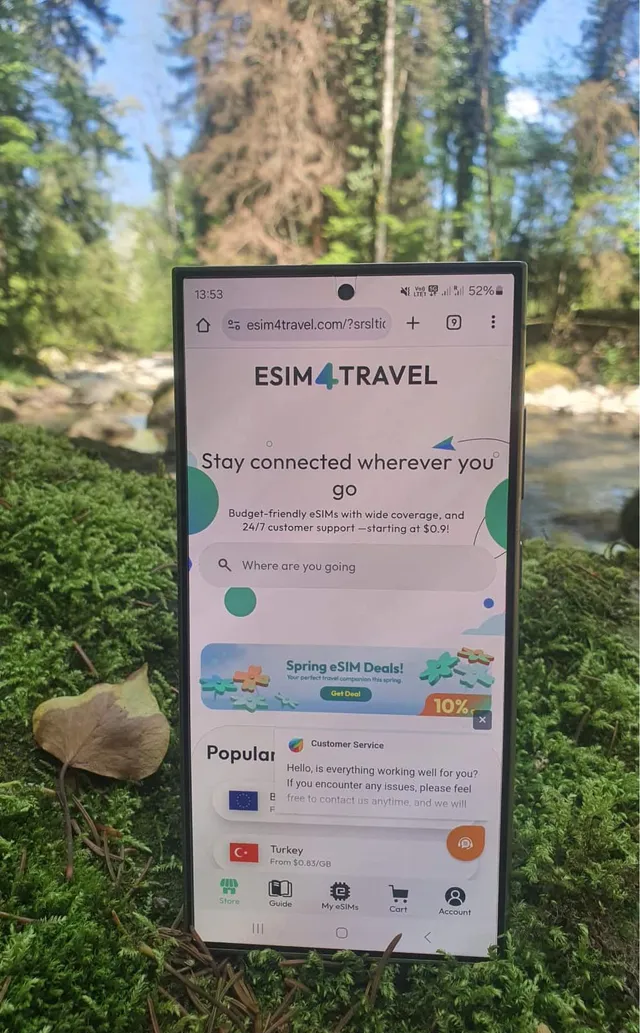
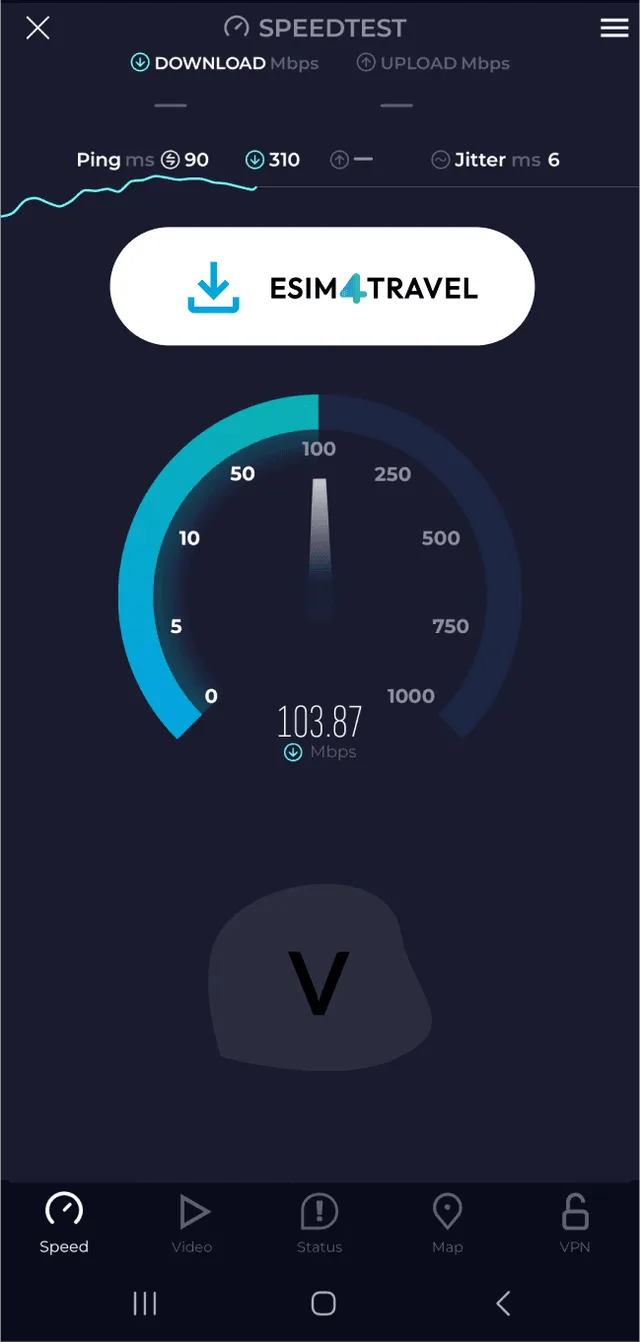
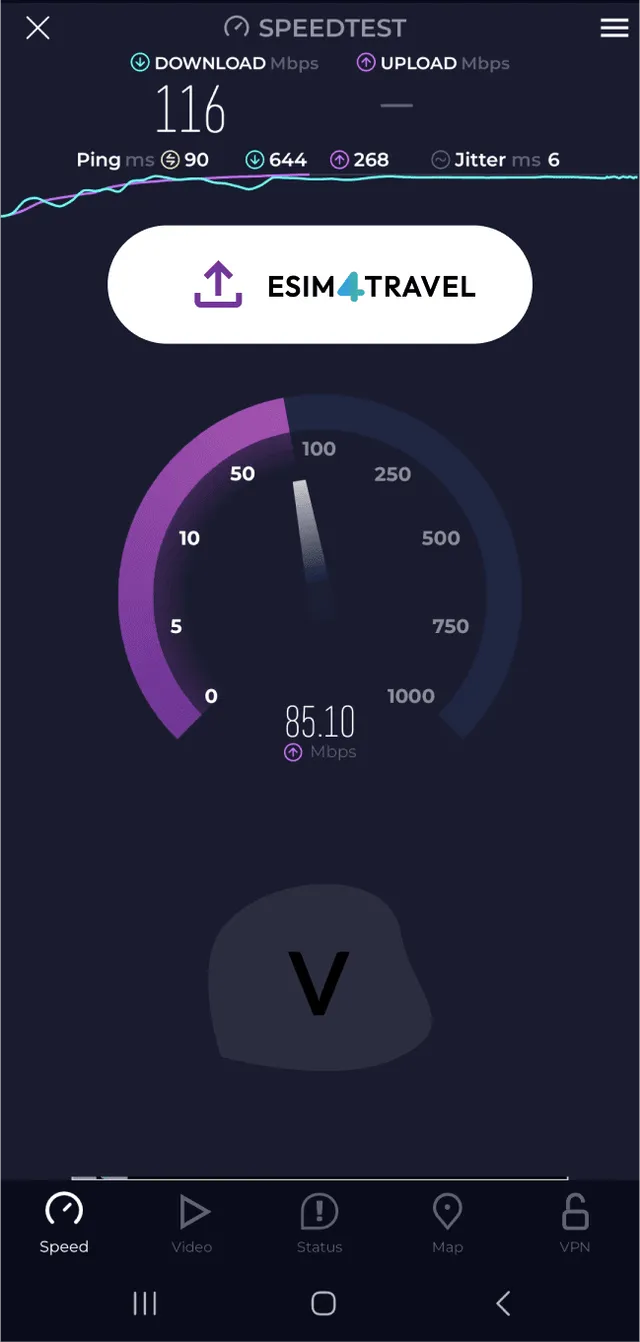
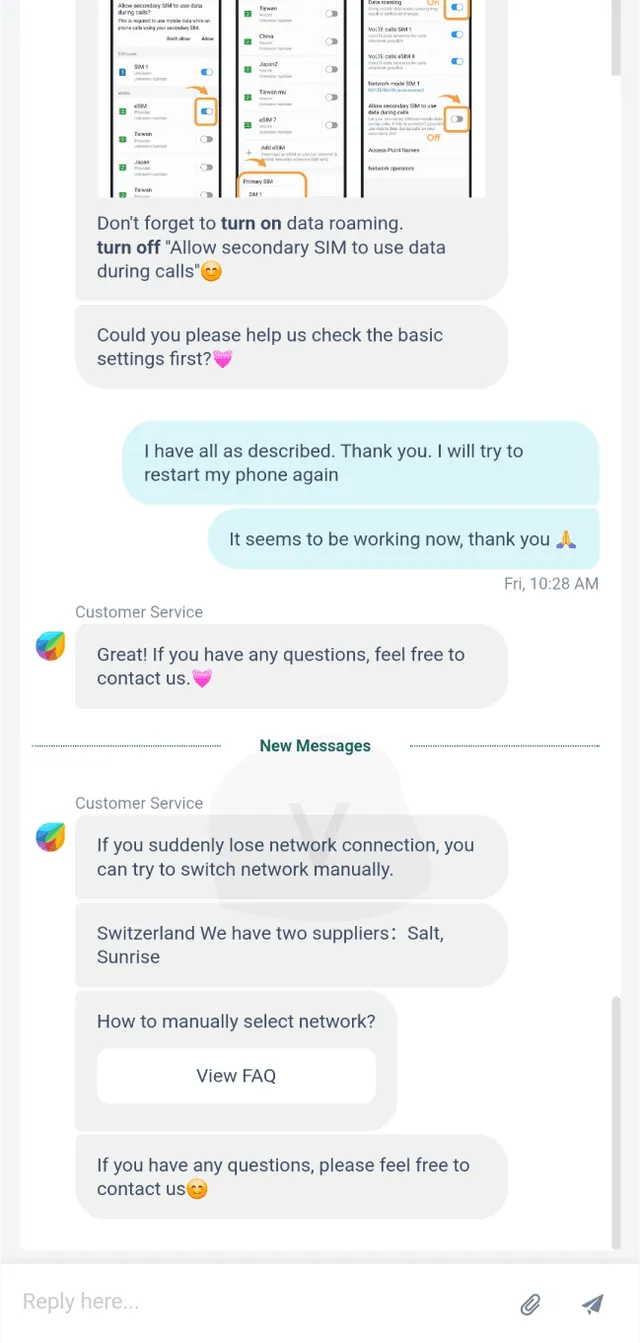
eSIM4Travel has the highest Vefru test score, 8.8 out of 10. You buy and install on the website, which came in many languages in our test. After payment, the QR code appears right on the page. The eSIM works right away, with no phone restart. Customer support and prices both scored 10 out of 10.
There are two weak spots. You pay by card only, since the website had no Apple Pay or Google Pay in our test. Without an app you do not see your data use from the provider, so check it in your phone settings. The whole process is in our eSIM4Travel test, and the plans are on the eSIM4Travel website.
Airalo: the best-known eSIM provider, with higher prices

- Purchase process9/10
- Mobile app8/10
- eSIM installation9/10
- Customer support7/10
- Speed test7/10
- Prices5/10
- Customer feedback8.2/10
- Coverage7/10
Average of eight categories from our own paid test and customer reviews.
Airalo is an eSIM marketplace from Singapore with plans for 200+ destinations, some with calls and texts. It is easy to buy and install. But prices sit at the market median, and travelers report more failed connections than with any other provider we track.
Key facts
- 200+ destinations
- iPhone app 4.6
- Android app 4.3
- Top-ups
- Hotspot
- No cap on fixed plans
- Trustpilot
- 4.1/545,721 reviews
- Payments
- Credit or debit cardApple PayGoogle PayPayPal
Pros and cons
Buy on the web, no app neededWorks right after installFast, no speed cap on fixed plansMost plans with calls and textsAverage prices, not cheapLowest success rate we track: 72% workedApp stops when your data runs outClunky checkout, no QR downloadAiralo eSIM in our hands
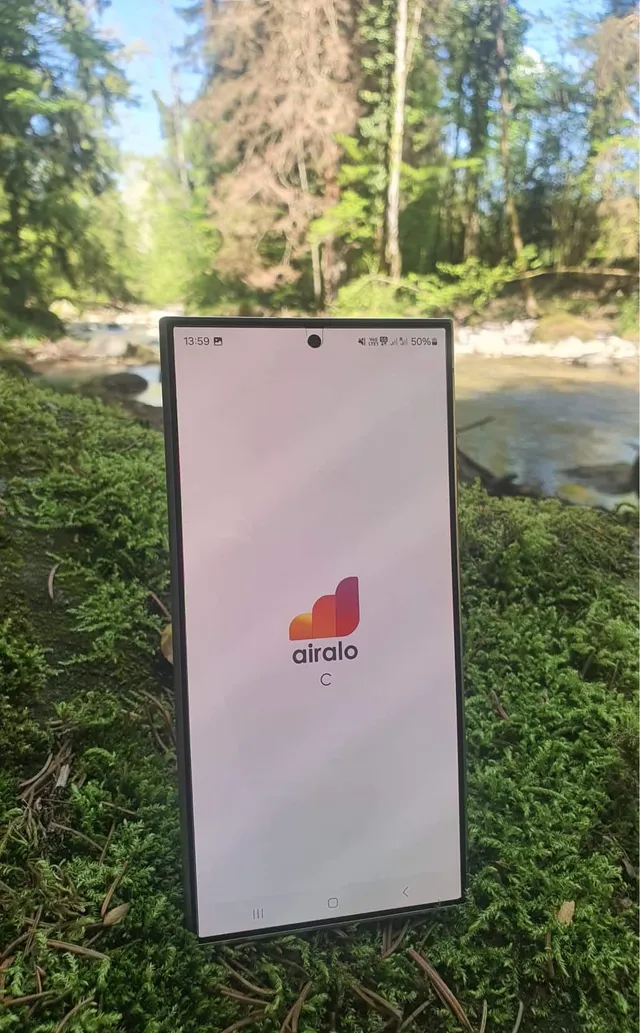
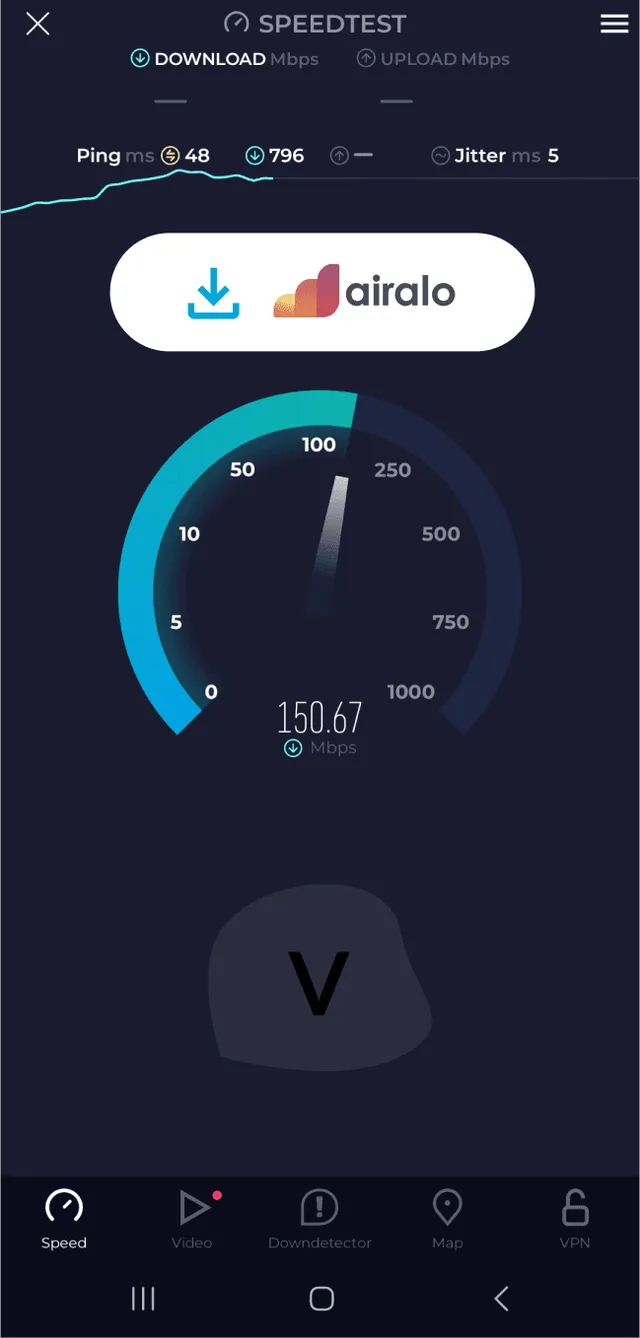
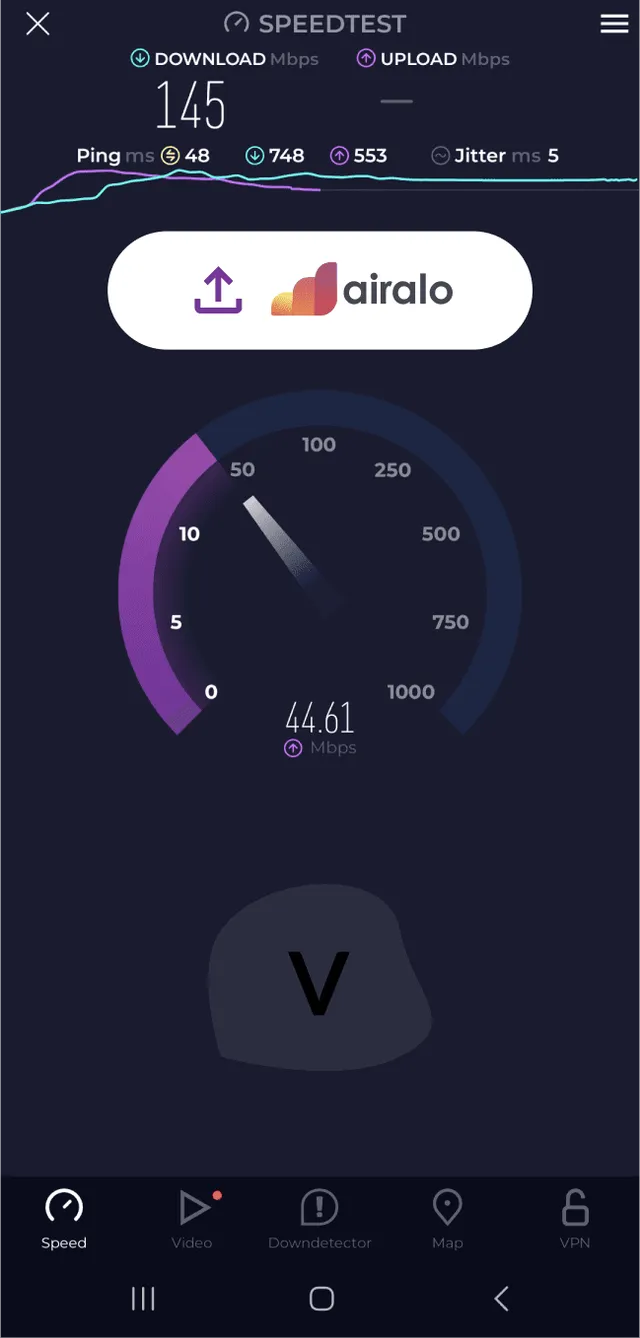
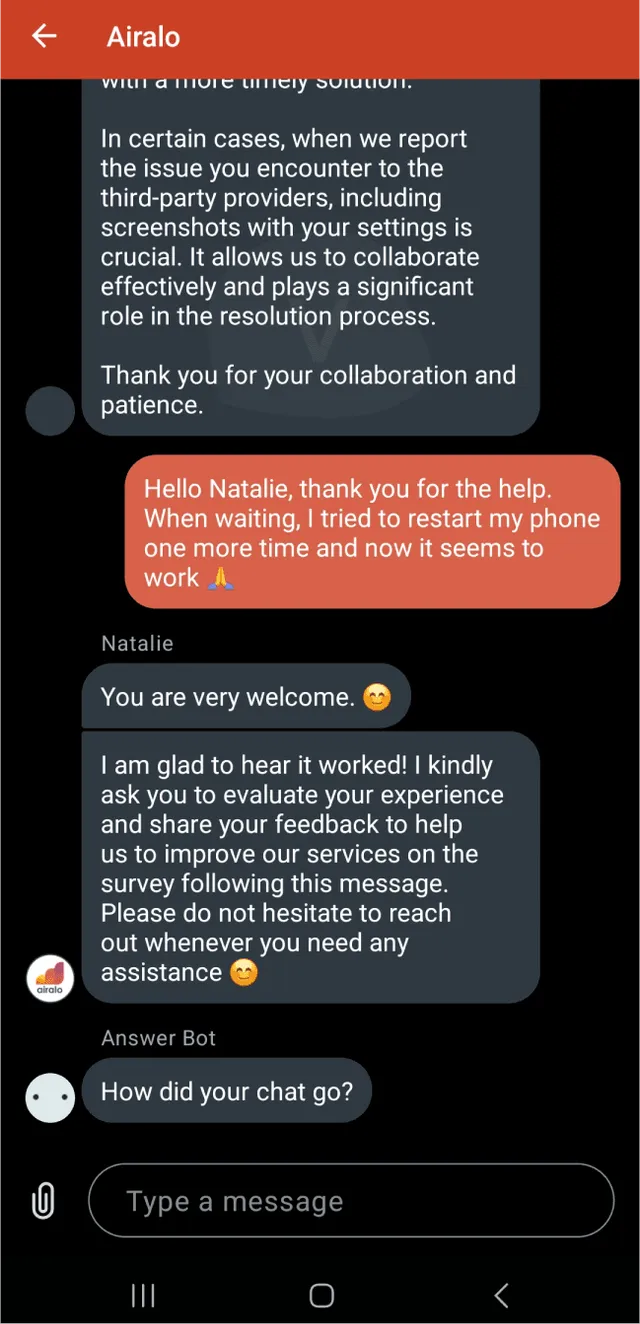
Airalo is the best-known name on the market and scored 7.3 out of 10 in our test. Purchase scored 9 out of 10. It walks you through a phone compatibility check and a short tutorial, which helps with a first eSIM. Installation also scored 9 out of 10, and data worked right after it.
Prices pulled the score down, with 4 out of 10. In most countries, eSIM4Travel came out several times cheaper. If the familiar brand appeals to you, compare the price for your country first. Our results are in our Airalo test, and the plans are on the Airalo website.
Global YO and GoMoWorld: low prices, weaker support
Global YO (8.0 out of 10) is often the cheapest in our comparison tool. Its in-app installation scored 9 out of 10. Its customer support scored only 5 out of 10, and the second reply in our test took over 30 minutes. GoMoWorld (8.2 out of 10) was the fastest in our test, with 10 out of 10 for speed. Its customer support scored 6 out of 10.
We recommend both brands mostly once you know how to install an eSIM and do not expect to need help. More is in our Global YO test and our GoMoWorld test.
Buying an eSIM: payment, email and QR code
Buying an eSIM works like any online shop. You pick a plan, sign up with your email and pay by card. Some providers let you sign in with a Google or Apple account and pay with Google Pay. Saily and Global YO are two examples.
After payment you get two things: a QR code for installation and an activation code for manual entry. They arrive by email, show up on the website, or wait for you in the provider's app.
- Use an email address you can open on the trip too. Customer support asks for it when something goes wrong.
- Save the QR code as a screenshot. You can install an eSIM from a screenshot as well.
- Got only an activation code? Our tool turns an activation code into a QR code that you scan as usual.
- Do not share the code with anyone. An eSIM works on one device at a time.
Want to see a real purchase first? Every step of our own eSIM4Travel purchase, with screenshots, is in our eSIM4Travel review.
Installing and activating your first eSIM
Install at home, a day or two before you leave. Your phone must be online during installation, and Apple asks for Wi-Fi or a hotspot on iPhone [2]. Buying and setting up an app take a while, and some providers deliver the eSIM with a delay. Just check first that installing does not start the plan.
Installing an eSIM on iPhone
- Open Settings and tap Cellular. In some regions it is called Mobile Service or Mobile Data.
- Tap Add eSIM, then Use QR Code.
- Scan the QR code from a second screen, or load it from your saved screenshot.
- Confirm the new plan and wait for activation.
On iOS 17.4 and later, some providers also send an install link. You tap the link and confirm the new eSIM. Every screen is in our iPhone guide with screenshots from a real phone.
Installing an eSIM on Samsung
- Open Settings and tap Connections.
- Tap SIM manager, then Add eSIM [3].
- Tap Scan QR code and scan the code [3].
- Wait for the plan to download and confirm the activation.
On older models the menu names can differ a little. The full process is in our Samsung Galaxy guide. Other Android brands have a similar menu, usually under network or SIM settings.
Settings after installing an eSIM: data line and data roaming
An installed eSIM does not yet mean working data. In your mobile network settings, do three things:
- Turn on the new eSIM, if the phone did not do it for you.
- Set the eSIM as your mobile data line.
- Turn on data roaming for the eSIM. It is off by default. You need it even in the country the eSIM is for.
Why roaming? On the local network, a travel eSIM acts like a roaming guest, even in its own destination. The eSIM provider does not charge extra for this, you pay only for the prepaid plan.
Keep your home SIM on for calls and texts, so your number keeps working. But turn off data roaming on it. Apple warns that with both lines on, your home line may still charge roaming fees [2]. With a data eSIM, you call over the internet, for example with WhatsApp or FaceTime.
eSIM not working: five checks after you land
No signal after landing usually means a setting, not a broken eSIM. Go through these five checks in this order.
- Data roaming is on for the eSIM. This is the most common cause.
- The eSIM is on and set as your mobile data line.
- Turn on Airplane Mode for 30 seconds, or restart the phone.
- Pick the network by hand. The networks your plan uses are in the plan details.
- Write to customer support. Have your phone model, order email and a short error description ready.
Be patient with customer support, since a chatbot often answers first. More fixes are in our eSIM troubleshooting guide. It also covers the APN (the address your phone uses to connect to the network).
After your trip: data top-ups and deleting the eSIM
Running low on data? Top up before it hits zero. Once data runs out, the connection stops and most provider apps stop working without Wi-Fi. eSIM4Travel, Saily, Airalo and Global YO all let you add data to your existing eSIM.
When you get home, turn the travel eSIM off. On iOS 26 and later, the iPhone turns it off for you and turns your home line back on. This depends on your country or region, though [2]. Always check that your home line is on.
Take care when deleting. Samsung phones can delete all eSIMs at once, and it is easy to lose the eSIM with your own number. After deleting, check that calls and data use the right SIM.
Frequently Asked Questions About Your First eSIM
How do I find out if my phone has eSIM?
Should I install my first eSIM at home or after I land?
Will I lose my phone number when I install an eSIM?
Do I need data roaming on for a travel eSIM?
How much data do I need for a week abroad?
How do I install an eSIM on iPhone and Samsung?
What if my phone does not have eSIM?
What happens when my eSIM data runs out?
Can I make calls and send texts with a data eSIM?
Summary: your first eSIM in short
Your first eSIM comes down to five steps: the *#06# test, a data estimate, a plan comparison, installing at home and turning on data roaming. For a complete beginner, we recommend Saily for an app that walks you through installation. The second choice is eSIM4Travel, for its many-language website, prices and customer support. Both scored 10 out of 10 for customer support in our test, which counts on a first install.
Prices change every week, so we keep them out of the text. Today's plans for your country are in our comparison tool. If data does not come on after landing, go back to the five checks above. That way your first eSIM is ready before you even pack.
Sources
We cite only official bodies and the phone makers' own support pages.
Links last checked
Opens in a new tabRegulators and official bodies
-
1
Roaming: connected anywhere in the EU at no extra charge
The Commission's summary of the roaming rules: where you pay home prices for data, how the fair-use limit works and why the UK is not included.
Official phone maker pages
-
2
Use eSIM while traveling internationally with your iPhone
Which iPhones have eSIM, why installation needs Wi-Fi and an unlocked phone, and how a travel eSIM works next to your home line, as stated by Apple.
-
3
Galaxy eSIM and supported network carriers
The menu path for adding an eSIM on Galaxy phones, the list of Galaxy models with eSIM and the warning that eSIM may not work in every country, as stated by Samsung.

What is eSIM?
eSIM allows you to use a digital SIM card instead of a traditional plastic one. This enables you to purchase a SIM card online for the country you're traveling to.
The most well-known eSIM providers on the market are Airalo, Holafly, eSIM4Travel, Yesim, Saily and others.
Frequently asked questions about eSIM:
- Does my phone have eSIM?
- How to add eSIM to iPhone or Samsung?
- How to install eSIM on an older phone?
- What are the most affordable and best phones with eSIM support?

How to compare eSIM?
Here you can compare eSIM data packages for more than 200 countries, such as UK, USA, Egypt and others. And that for any duration and amount of data.
Along with additional information, such as provider ratings and whether the website is available in Czech.
Compare all eSIMs
Why can you trust Vefru?
Founders František and Jan experienced problems with mobile data every time they traveled outside the EU. As technology enthusiasts, the idea of traveling abroad without a data connection or risking truly insane roaming fees was unacceptable to them. Regardless of how adventurous the story of walking across Toronto on a winter night without an online map might be, it's not something they would want to repeat.
After the emergence of eSIM and later eSIM travel data package providers, they learned a lot about the technology and industry and decided to share their findings and the comparison tool they created for themselves with others. It now contains more than 20,000 updated eSIM mobile data packages from the most popular providers for more than 170 countries around the world.
Every time you read a guide on Vefru, it is created in the same way the author would research the topic themselves. From contacting locals about the best network operators, to recommending the most advantageous plans for what you really need, to technical guides on how to create a QR code for eSIM or how to troubleshoot eSIM issues. Most articles are created based on topics that the authors themselves have dealt with and for which they found the best solutions.

Technology experts
instead of copywriters

We test everything we
write about

We compare 20 thousand
eSIM data packages